
The Accelerator Series
Thank you for registering. One step left.
We have your details for the Business Development Accelerator. To confirm your place, complete your payment on our registration page. Places are limited and are confirmed in order of payment.
Tip: the payment page opens in a new tab. Keep this one open so you can check the steps below as you go.
Completing your payment, step by step
Select how many sessions you are attending. Sessions are $250 each, or $1,000 for the full five-session series.
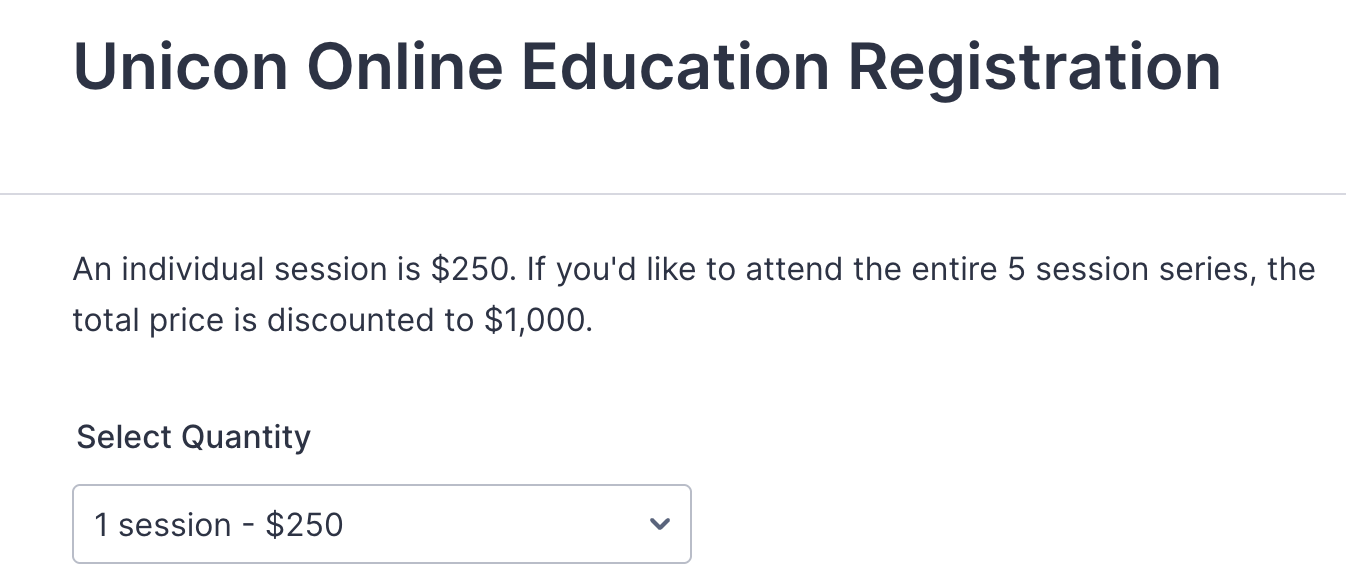
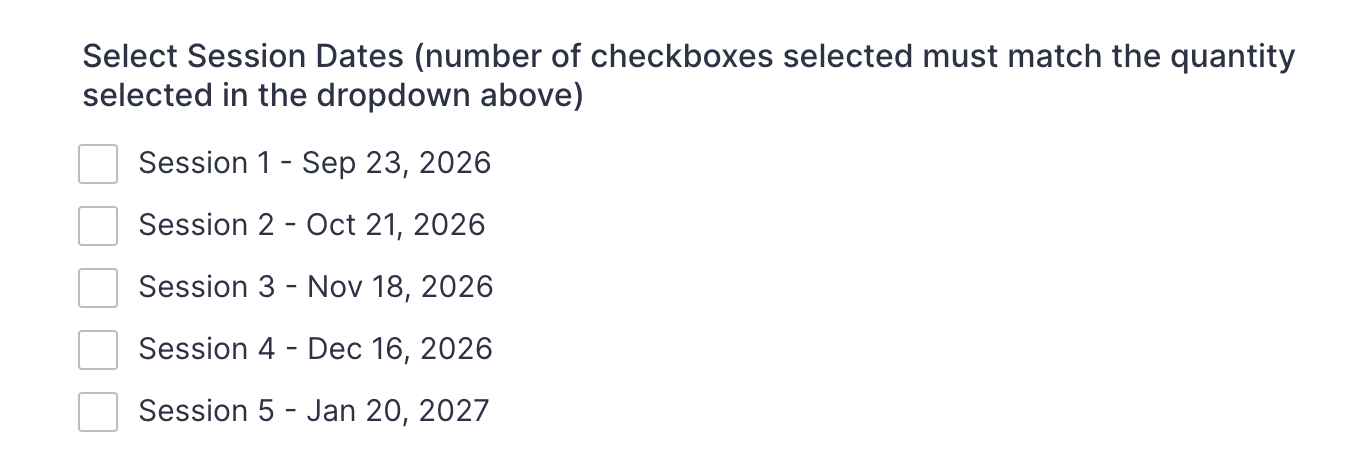
Tick the session dates you will attend. The number of boxes ticked must match the quantity you selected above.
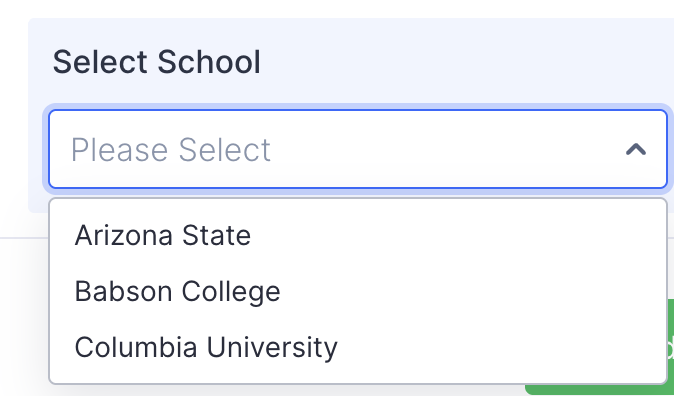
Select your school and click Proceed to Payment.
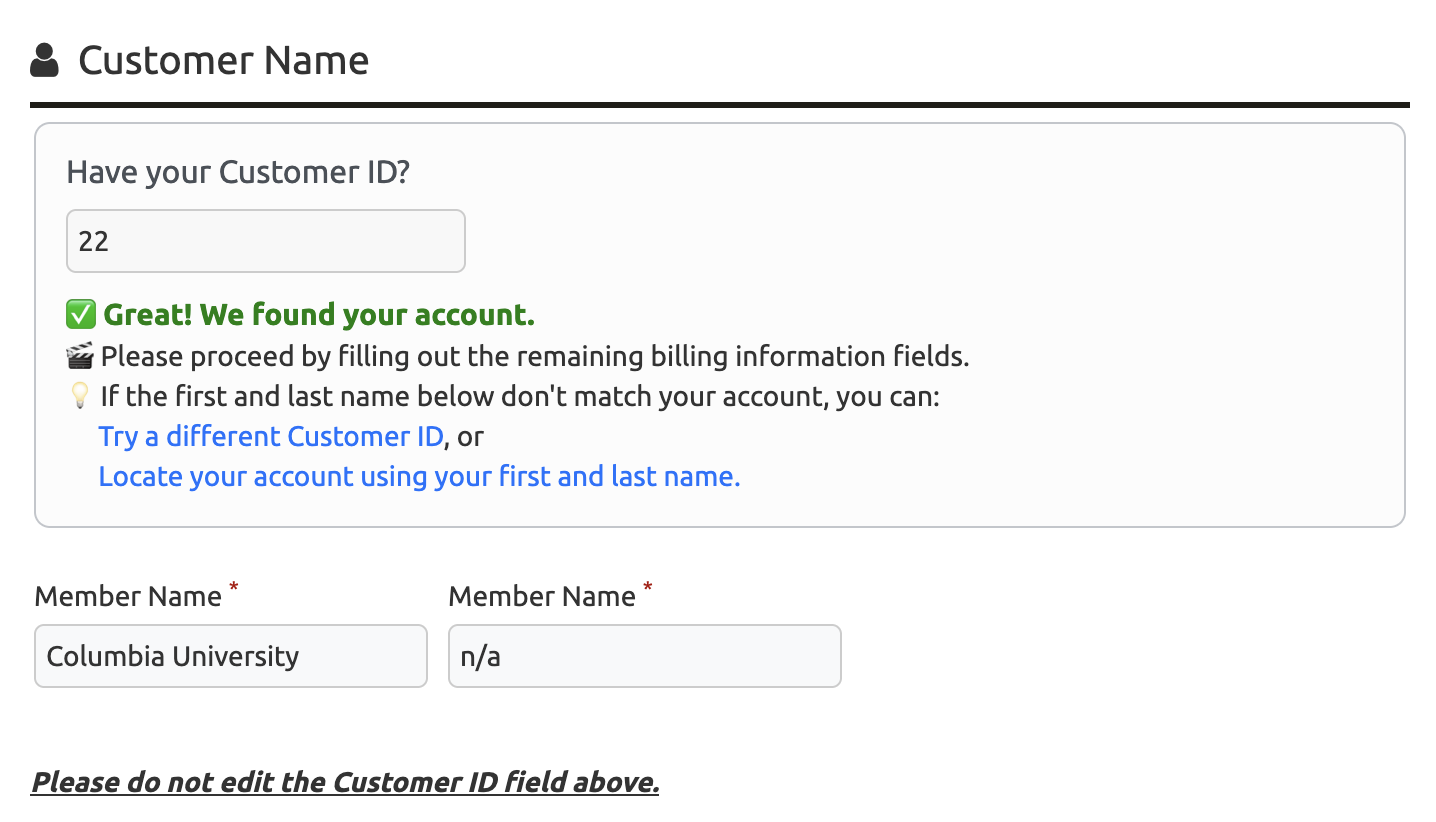
Your school's details appear already filled in. You will see a Customer ID and Member Name with a message confirming the account was found. This is our internal billing setup working as intended, so please leave these fields exactly as they are. If you run into any technical trouble, email finance@uniconexed.org.
Add your own name under Registrant Name. This tells us who is attending.

Check your order summary.

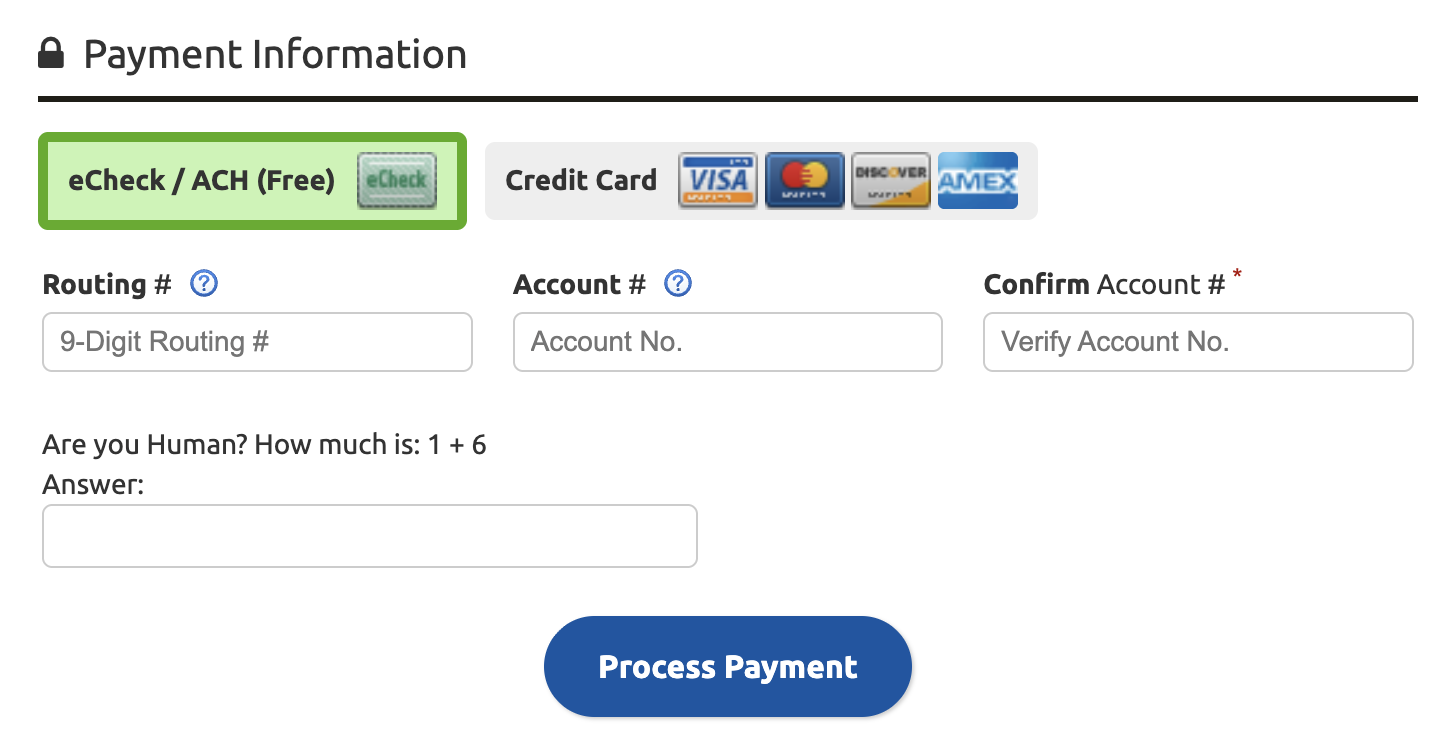
Enter your payment details and submit. You will receive a receipt by email confirming your payment for the Business Development Accelerator, and we will follow up with joining details ahead of Session 1.
You can revisit the full program details, instructors, and pricing on the program page. We look forward to welcoming you in September.